Signs and menus
Understand useful information while moving through a new place.
Photo translation / Android
Choose a photo or use the camera to translate text you can see—useful for signs, menus, printed instructions and everyday documents.
What it does
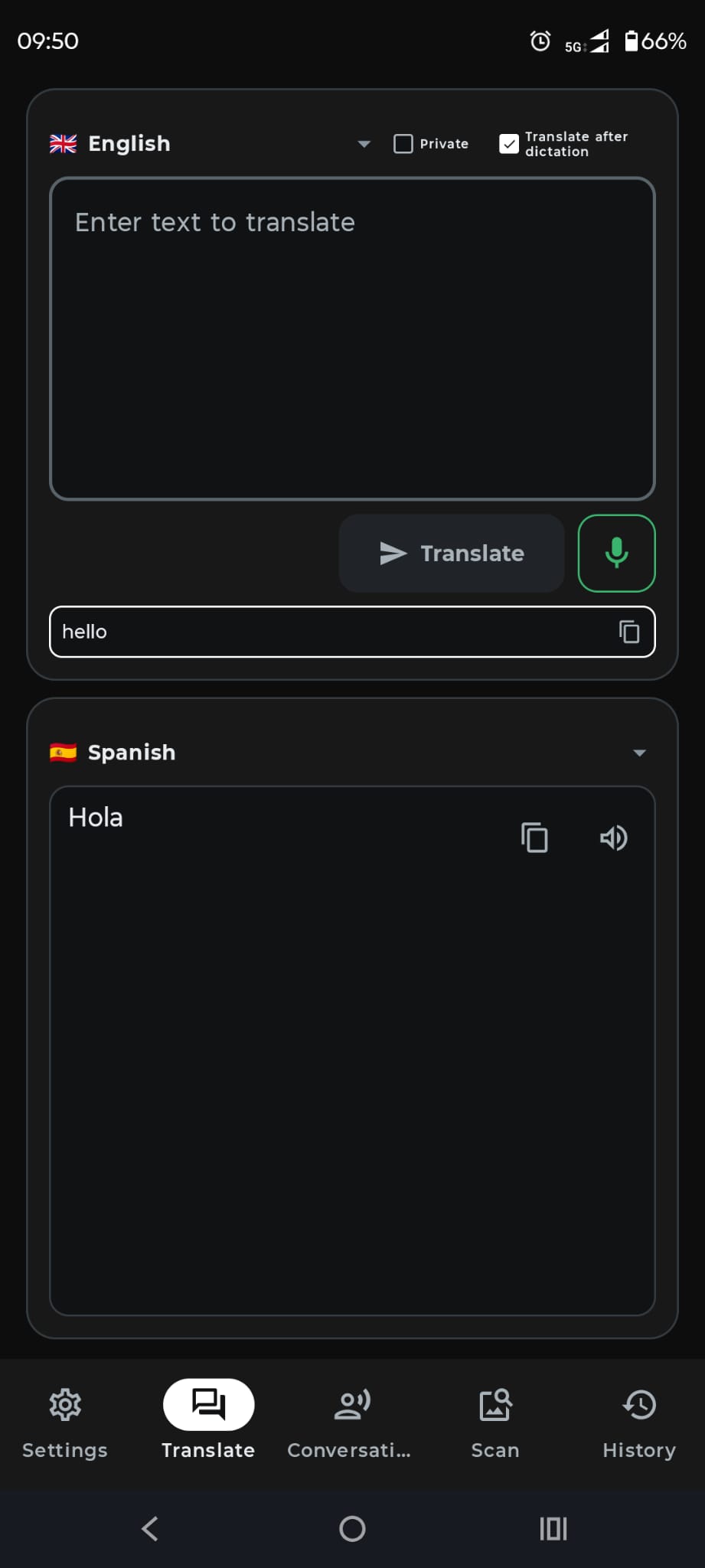
Photo and camera translation helps with words that are printed or already visible on a screen. Capture the text, choose the languages and read the translation in the app.
Simple flow
Set the language in the image and the language you want to read.
Keep the text clear and inside the camera frame.
Review the translated text and save the scan when needed.
Everyday uses
Understand useful information while moving through a new place.
Translate short instructions and practical documents.
Read visible text without typing every word by hand.
Use a photo or camera alongside message, text and live voice translation.
Open in Google Play →